Restarting a Training Run
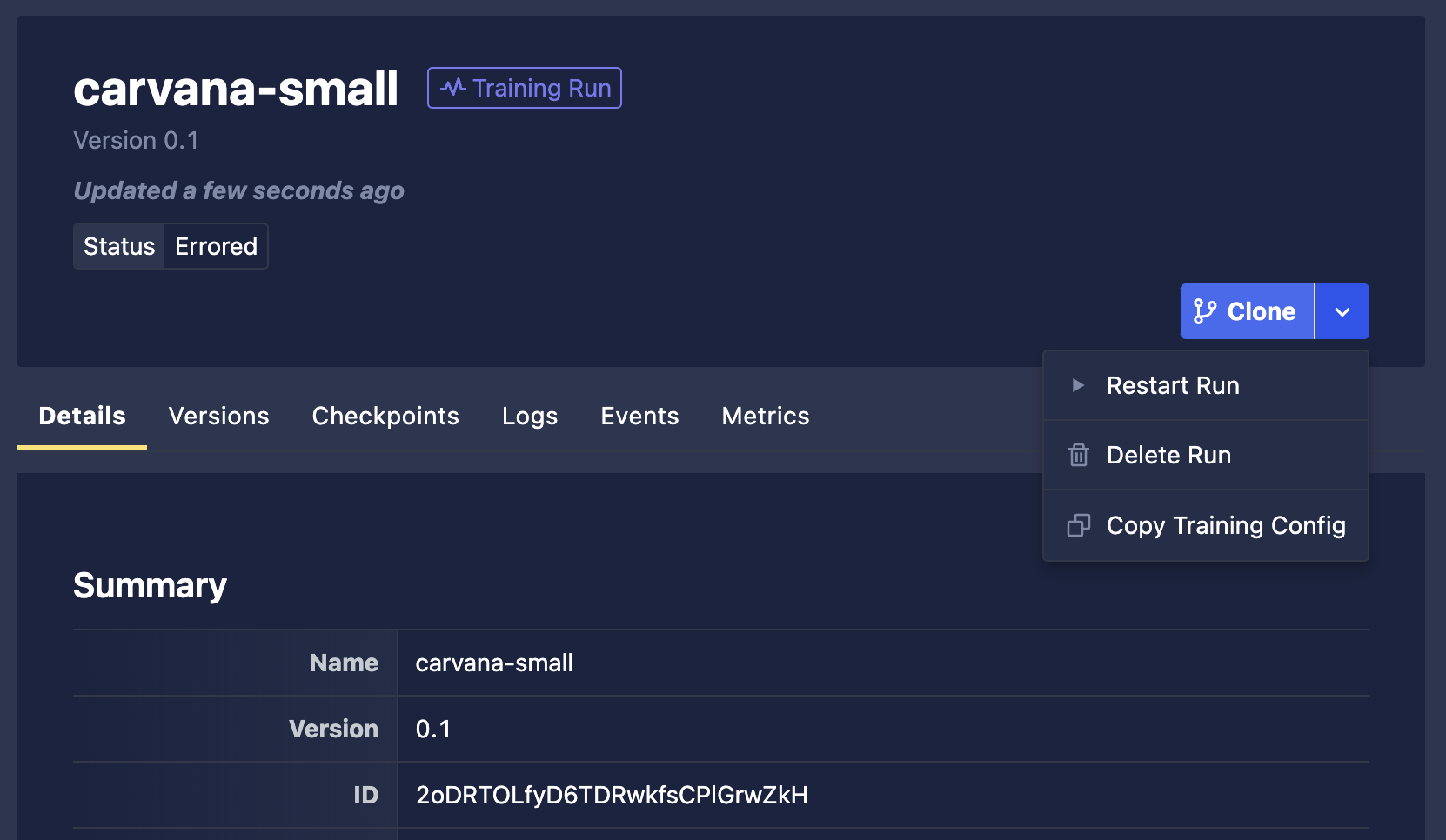
A Training Run that resulted in an error or that has been stopped may be restarted. When selecting the Restart Run button, you'll be presented with a modal for adjusting resources from the previous setting.
The modal will be populated with the previous settings. If you'd like to simply restart the run with the same settings, you can then click Restart. However, you can also adjust resources as needed and then click Restart.
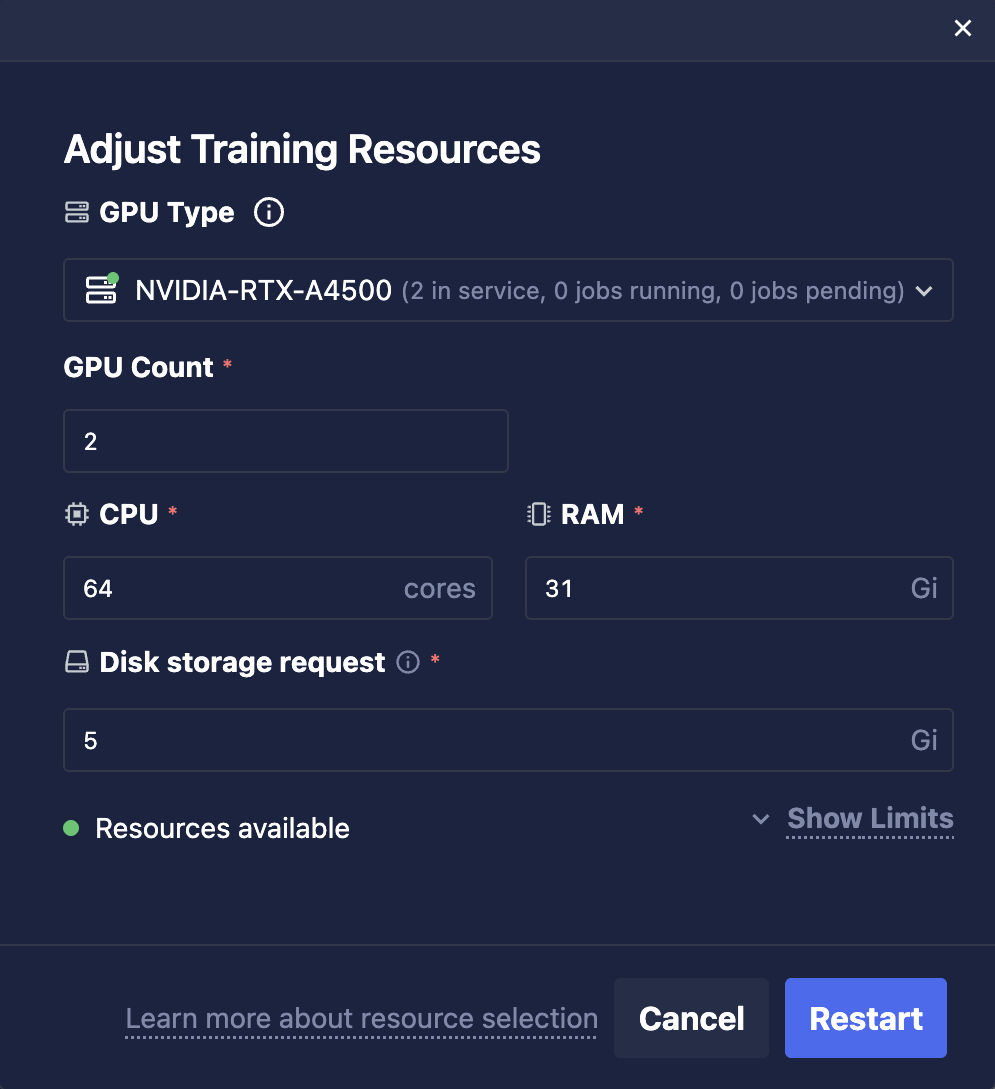
Note that this will update the existing run rather than create a new run. If you would like to view previous resource settings from the run, you can view those in the Events tab under Run Restart Requested statuses.