Cloning a Training Run
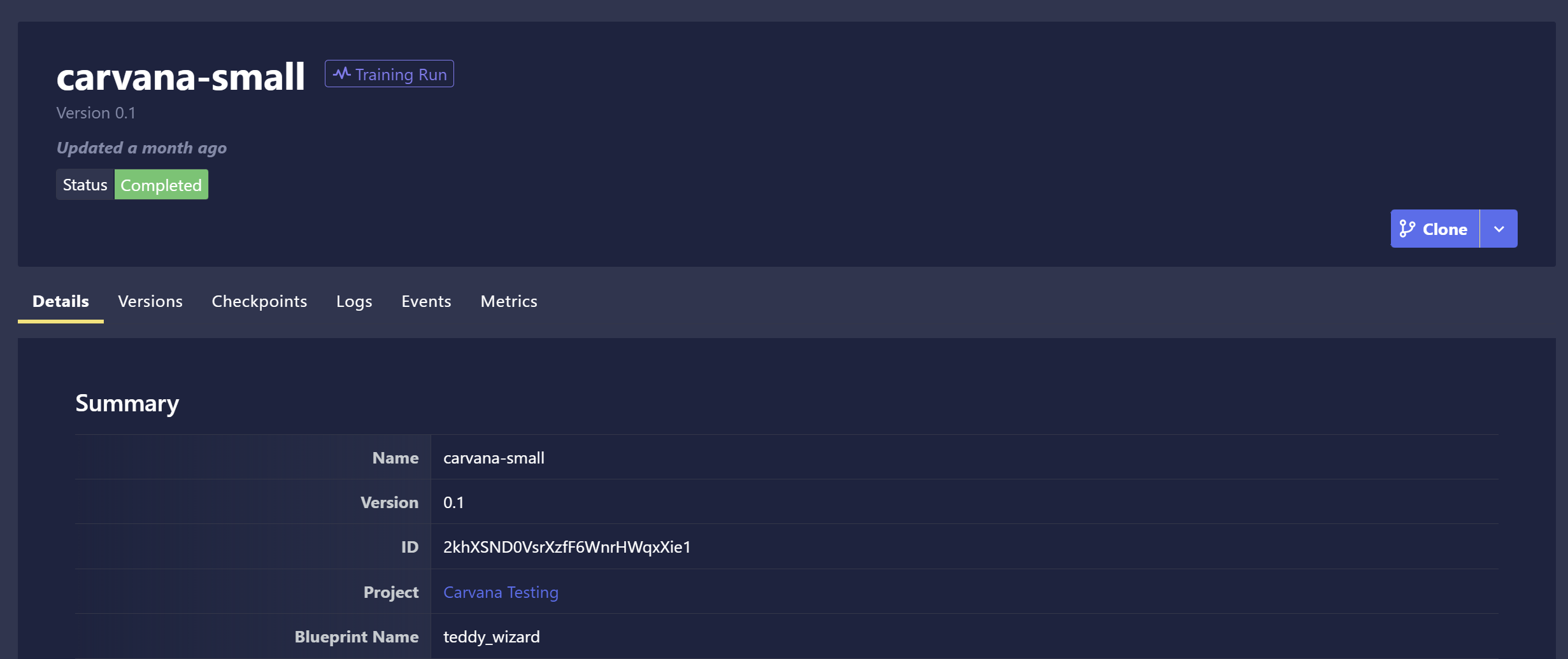
There may be cases when you want to restart a Training Run using a previous run's settings with some tweaks. Chariot supports this via the ability to clone a Training Run.
To clone a Training Run, go to the Training Runs page and click the Clone button on the right side of the page. You will then be redirected to the Training Run process, with the settings of the selected Training Run pre-populated in all the fields. You may still make changes to any Training Run settings prior to running it.
On this page, you will find additional options:
- Delete Run: Delete the Training Run and its associated data.
- Copy Training Config: Copy the JSON configuration text that specifies the training settings to be utilized with the Use Custom Config option when creating a new Training Run.